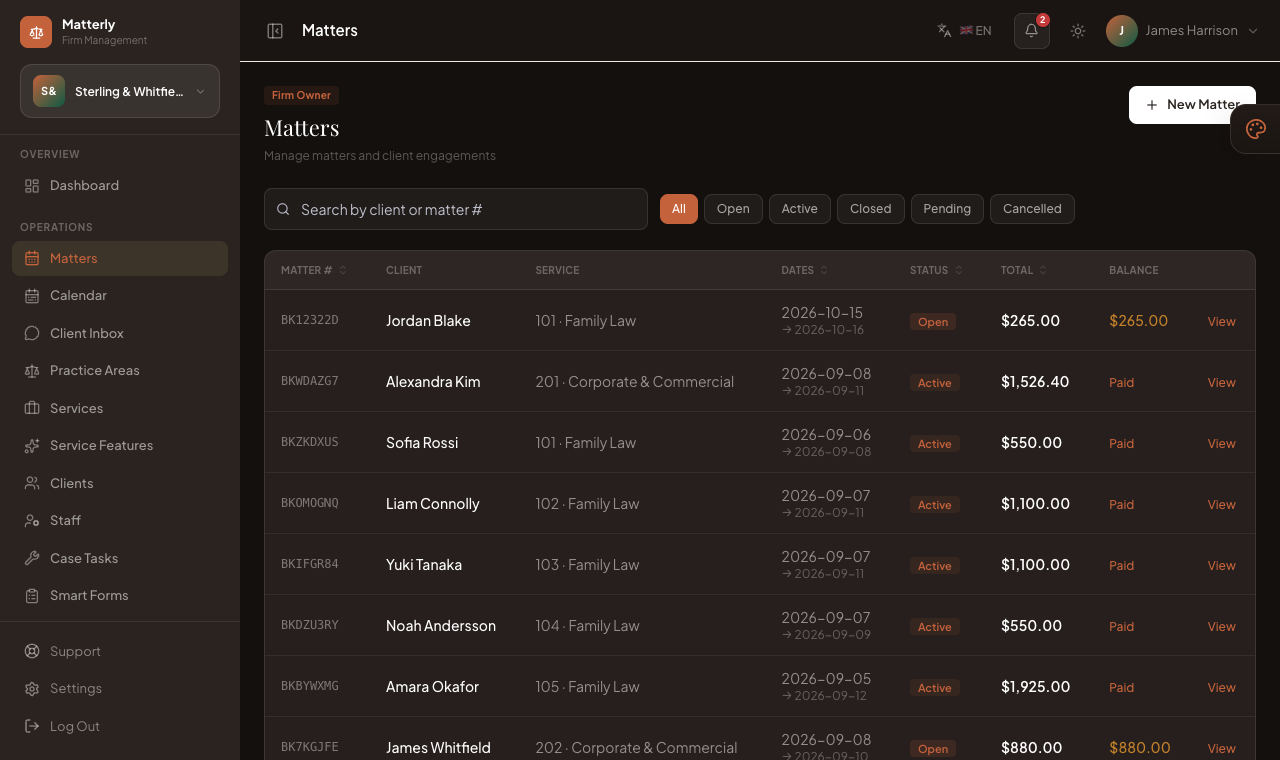
Smart Forms · LegalFrame
Draft, sign and file documents
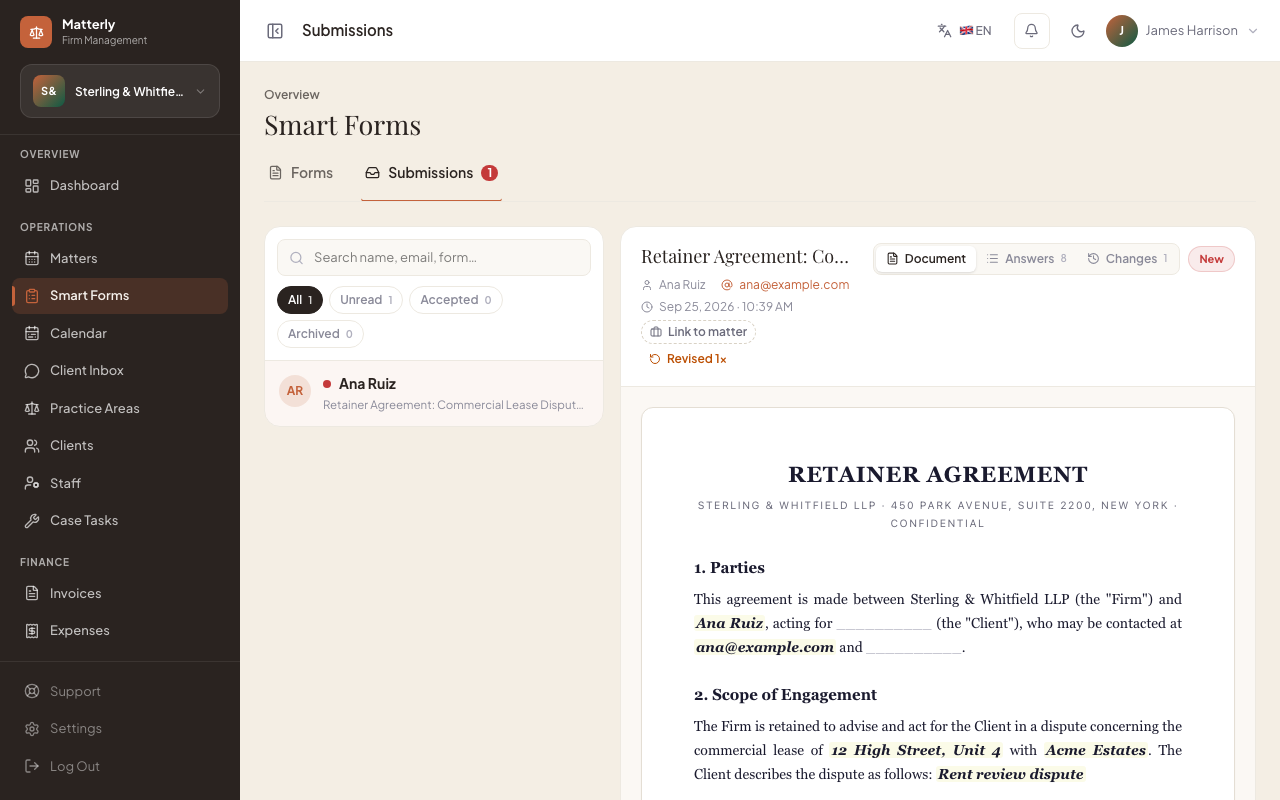
Describe the document in plain English and Matterly writes the draft, including the fields to fill in. Share a secure link, collect answers and e-signatures, send it back for changes, and the signed PDF lands on the matter.
-
 1
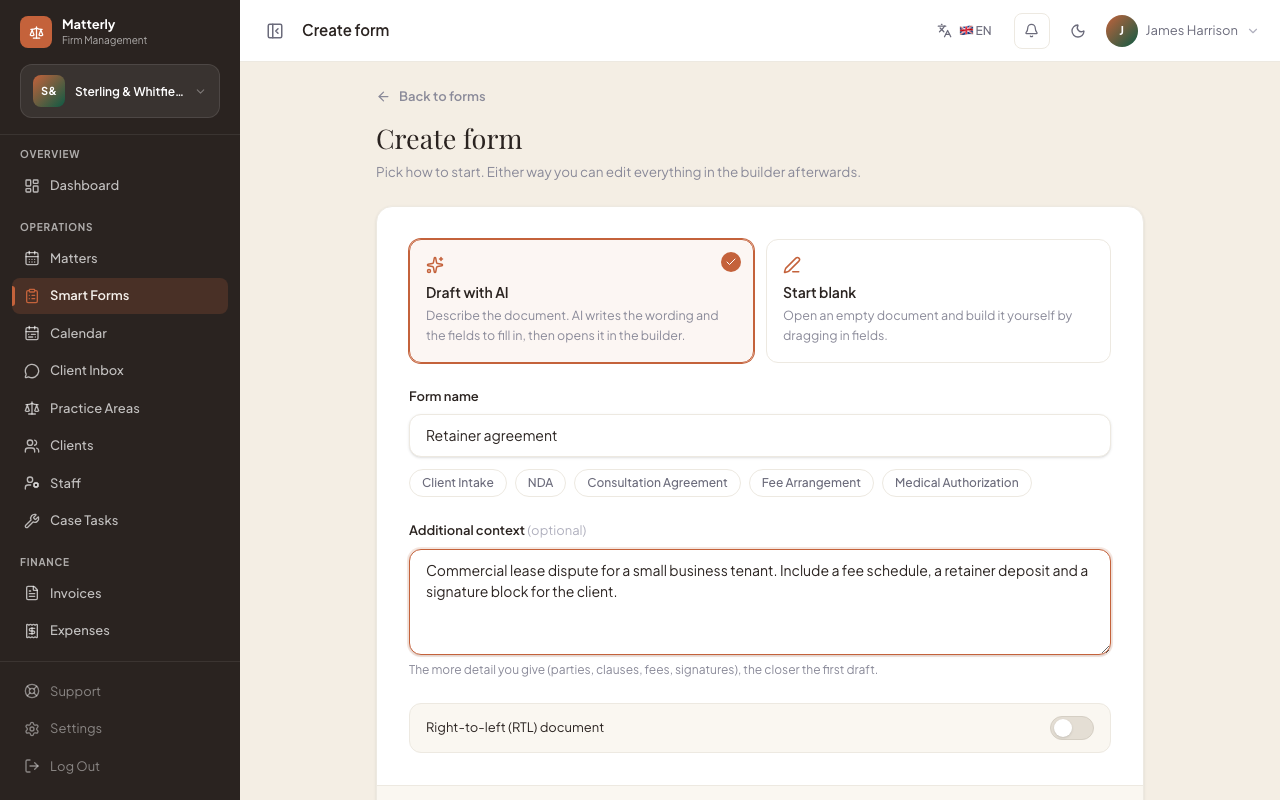
1Describe it
Type what the document needs to cover. AI drafts the wording and the fields to fill in.
-
 2
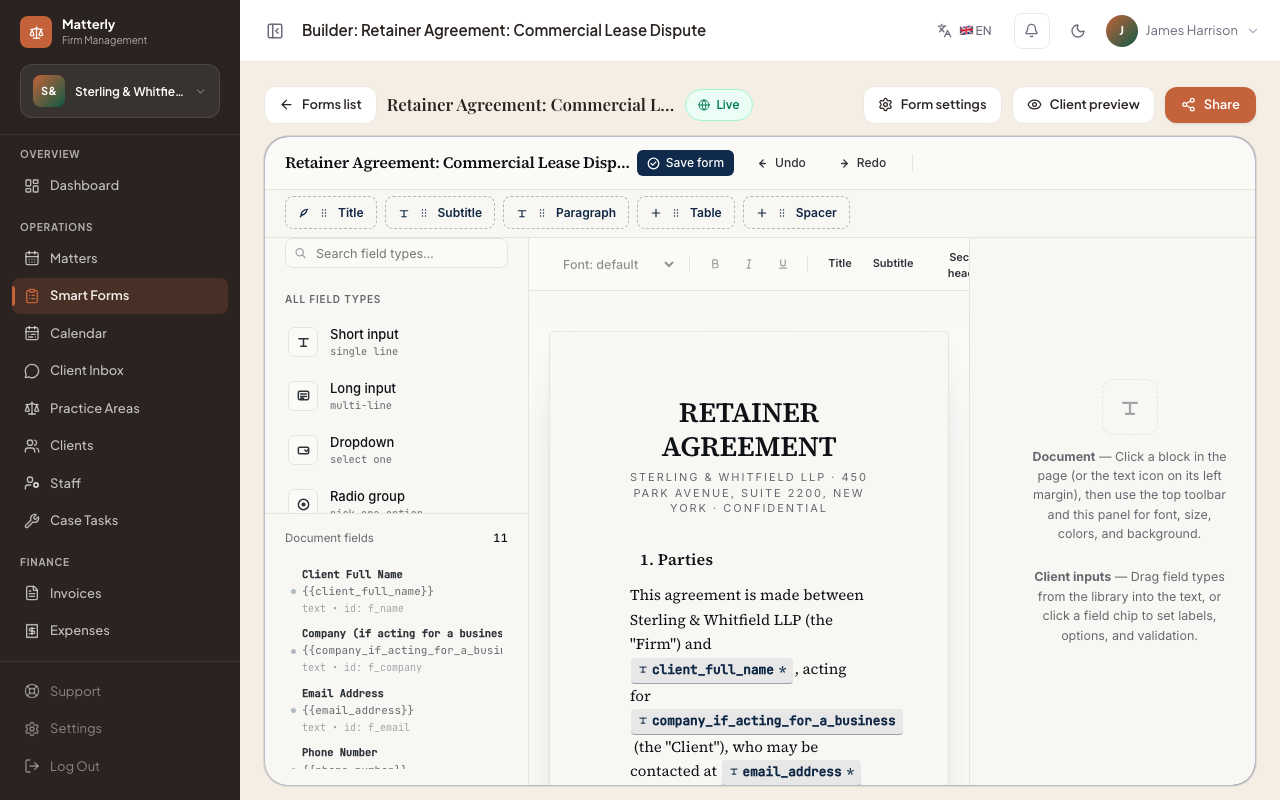
2Edit in the builder
Adjust clauses, fields and signers in a live document editor.
-
 3
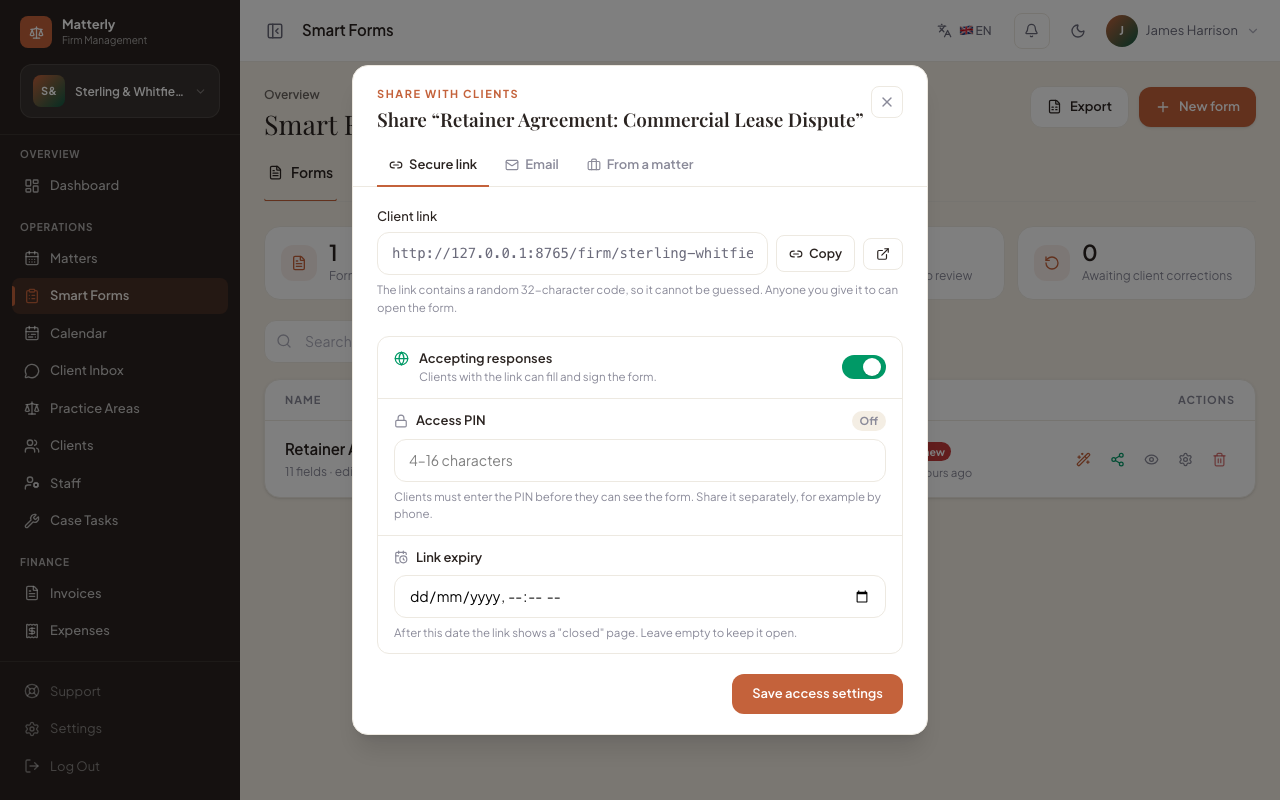
3Share a secure link
Send it from the matter, with an optional PIN and an expiry date.
-
 4
4Signed PDF on the matter
Answers and the e-signature come back as a PDF filed on the case.